


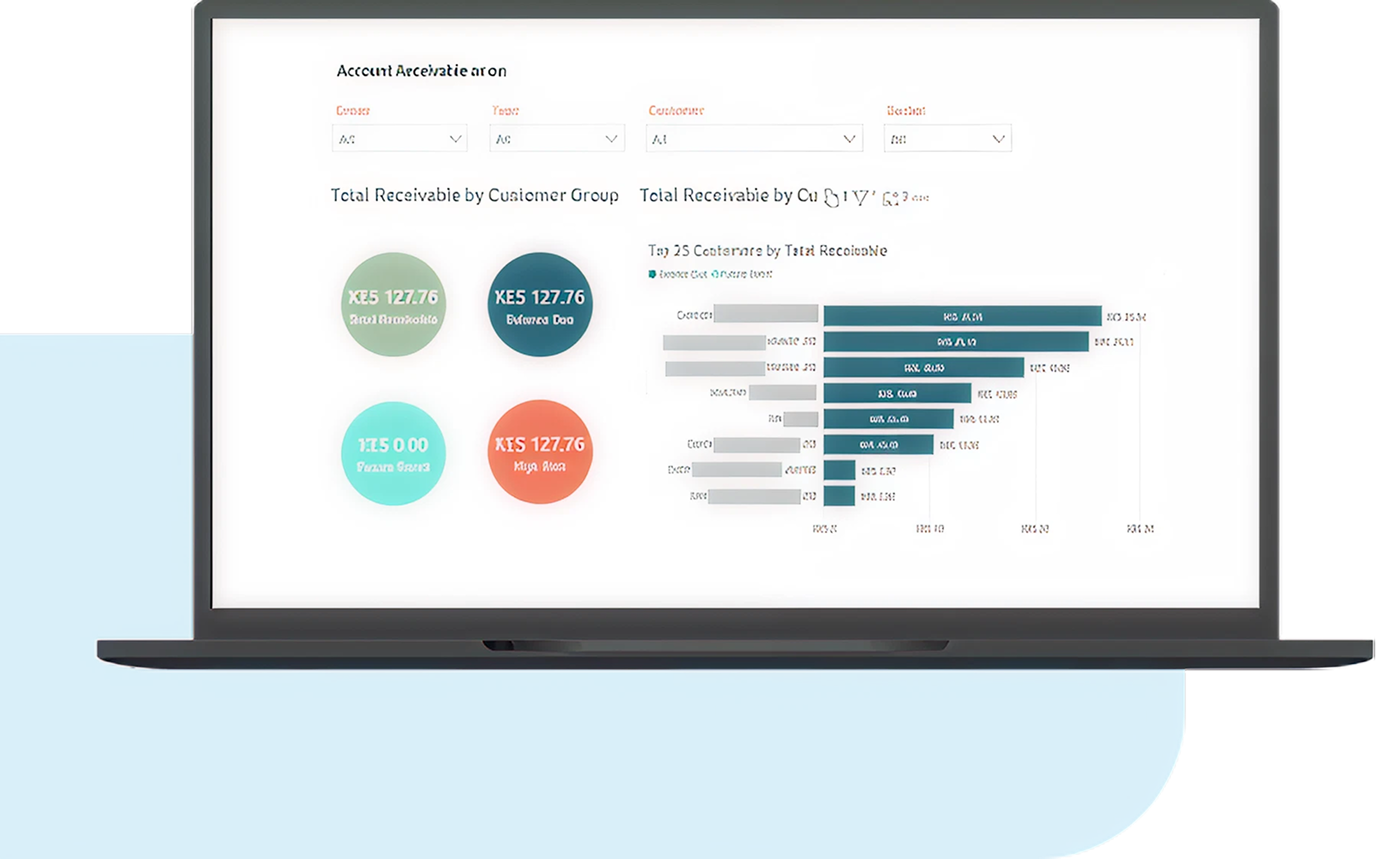
Accounts Receivable
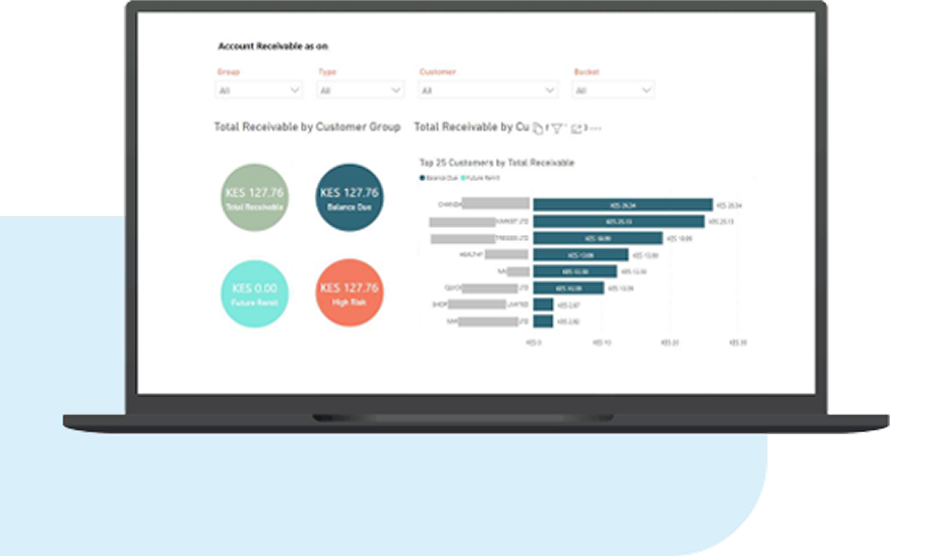
Track
- Top 10 Accounts Receivables
- Overdue Receivables
- Invoice & Aging Classification
- Revenue


Microsoft Power BI is an affordable business analytics and intelligence service that gives interactive insights using live dashboards and rich reports with the ability to access data on the go from mobile devices. Microsoft Power Business Intelligence (BI) is a component of Microsoft Business Intelligence.
Microsoft Business Intelligence (Microsoft BI) refers to the collection of tools, technologies, and services that Microsoft provides to help organizations turn raw data into meaningful insights. These tools support data integration, data modeling, analytics, visualization, and reporting.
At its core, Power BI is a collection of software services, apps, and connectors that work together to turn unrelated sources of data into visually appealing and easy-to-understand interactive insights. This data could ome from an Excel Spreadsheet, or a collection of cloud-based and on-premises hybrid data warehouses within your existing SAP ERP system.
In any scenario, Microsoft Power BI lets you easily connect to your data sources, visualize and discover what’s important, and share that with anyone or everyone you want. VC ERP Consulting has years of experience in Power BI integration with various data sources. We are known among our customers as a trusted and knowledgeable Power BI consultancy. We are the best Power BI service provider in India and the MENA region.

Track
Track
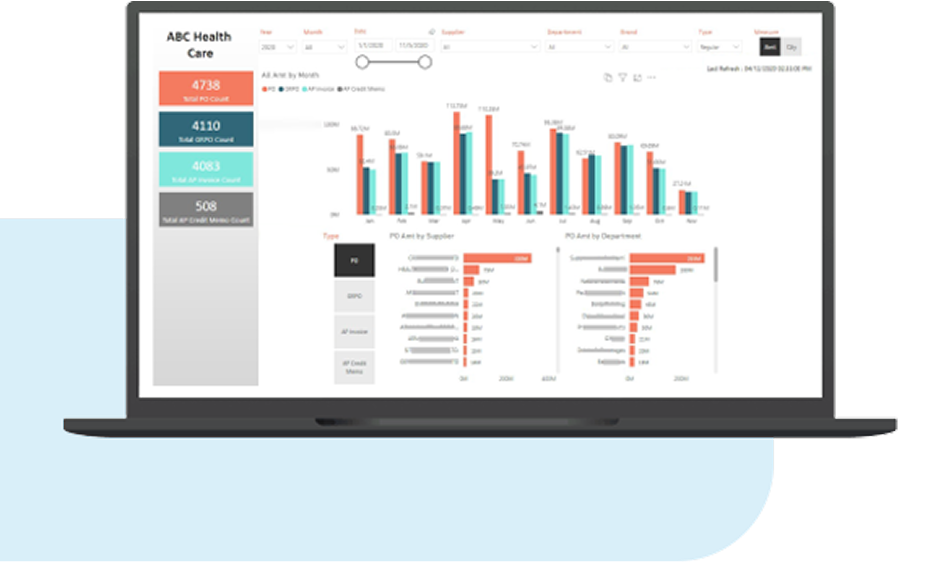
Use Power BI for SAP
Track
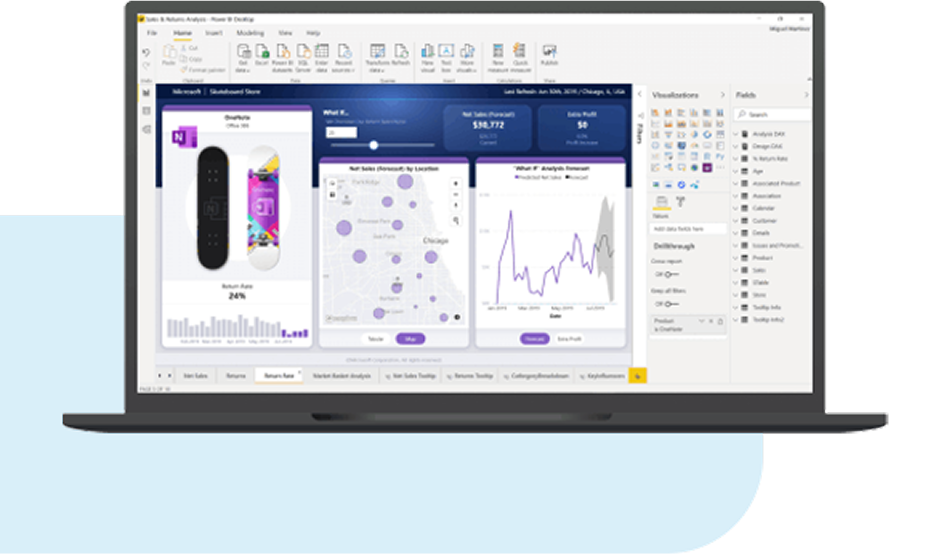
Multi-Level Drill-Down Reporting
Track
Track
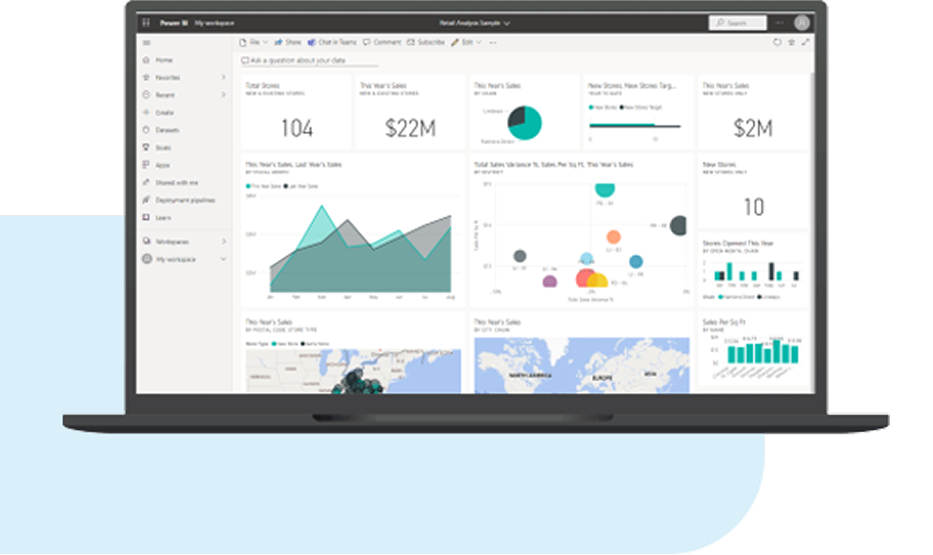



Manage a Self-Service Business Intelligence (SSBI) for your Business Operations
A business may need multiple roles and functions for Power BI depending on the organization structure that needs to access and utilize business intelligence. Different professionals in different roles will use Power BI differently.
If you need to view and access already created reports and dashboards, Power BI Service is more suited to your needs.
Developers, on the other hand can utilize Power BI APIs to push data into a dataset to embed dashboards into customized applications.
Data-intensive business reports using Power BI Desktop with drill down capability or tailored to the right metrics.
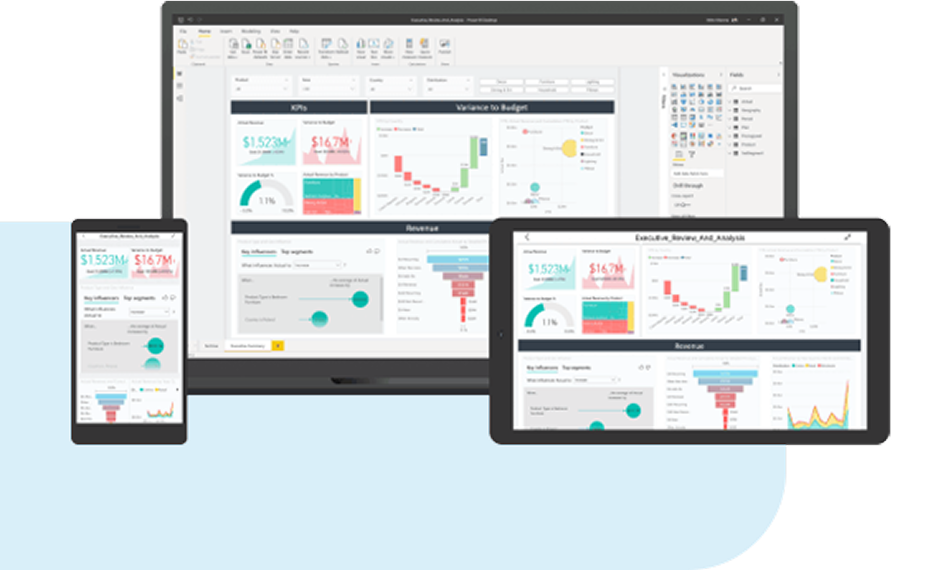
Create custom Power BI datasets to make paginated reports of whatever you need such as emailable sales invoices which senior colleagues can check as reports on smartphone.


One of the most common workflows in Power BI begins by connecting to data sources in Power BI Desktop and building a report.
Publish that report from Power BI Desktop to the Power BI service, and share it so business users in the Power BI service and on mobile devices can view and interact with the report.
Many other workflows, depending on your unique organization-specific processes, can be worked out and implemented by expert SAP Consultants such as VC ERP Consulting.

Whether it is dashboards, reports, or apps, Power BI will offer you a great option to explore and experiment to derive relevant insights for your business.
Filtering, editing, or exporting data doesn’t affect the underlying dataset or the original shared content you use in Power BI. Therefore, your data remains safe.
The changes you make affect only your view of the content you are editing. You can always revert to the original view with just a click.

Power BI is an affordable and easy-to-use tool that can be rapidly integrated with your On-Premise SAP Data Sources. SAP is a key enterprise BI data source, and Power BI connectivity to SAP systems is a desired capability for enterprise customers who want to unlock insights from their most critical business systems. Power BI connects to SAP S/4HANA and Business Warehouse interfaces easily. SAP customers who have already deployed SAP Business Warehouse have gone through the effort of integrating their transactional SAP data from SAP ECC, SAP S/4HANA, SAP Business One, CRM, SRM or other business systems into SAP Business Warehouse. Enterprise data in SAP BW has been cleansed, transformed, and modeled for use in reporting, analytics, and planning applications. It only makes sense that customers want to utilize what they have already invested in and connect Power BI to their data in SAP BW.
Power BI Desktop offers two connection types for SAP Business Warehouse
Your login parameters for the Power BI desktop to log on to the SAP BW would be quite similar to logging on to the SAP BW using the SAP GUI client tool. Using the Application Server connection, Power BI will always connect to the specific SAP BW Server (host or IP) in your SAP landscape.
This means that your server must be able to support such connections and the workload they bring from time to time without affecting the other functions the server needs to carry out.
When creating visuals in Power BI Desktop, the underlying data source in SAP BW is queried to retrieve the needed data. The time that the visual takes to update entirely depends on the performance of your SAP BW system.
Apart from importing SAP BW data, users can also import a variety of other data sources into Power BI Desktop and combine them in a single report. To maximize performance, the larger SAP BW data set can be split into smaller datasets, and you can join them together in Power BI Desktop. Alternatively, using the built-in connector for SAP HANA, you can combine and bring together data from different SAP sources. This opens many interesting scenarios for reporting and analytics on top of your SAP data.
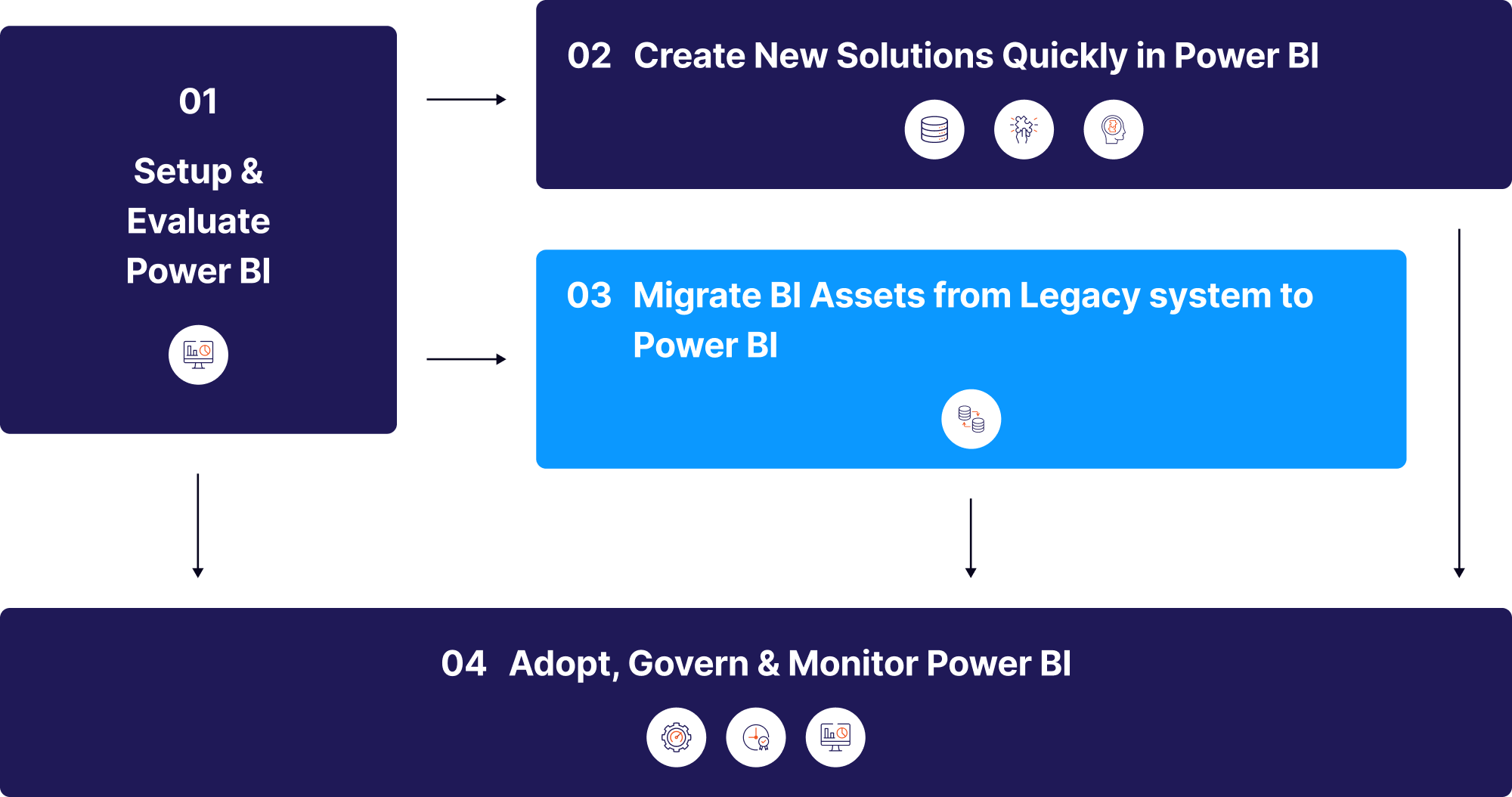
Establish the initial architecture. This phase is all about planning governance & preliminary deployment along with a careful cost vs benefit analysis.
Evaluating Power BI by the End-User from the organization so needs and functionality can be carefully assessed hand-in-hand with the migration.
Organization structure, existing data management & maintenance, data management maturity & enterprise goals need to be understood
Nurture data culture, communication & training.Policy-level changes and change management is done to address resistance-to-change within employees.
Power BI provides a unique set of features that empower everyone to benefit from direct access to data and insights.
From end-to-end implementations to business process re-engineering and custom integration, we offer cost-effective, scalable solutions tailored to your business.
We believe that success begins with meaningful connections. That's why we invite you to start a conversation with us.
Our Partners




"*" indicates required fields